

Your desk. Your day.
A laptop and phone are part of the working day. Include useful access details and any work-device permissions in your request.
Ottawa + surrounding communities
A cracked screen. A tired battery. A laptop holding you back. Start with a repair quote and a visit confirmed for your location.
Model + issue + postal code. That’s where we start.
 Repair illustration
Location, parts and a visit time confirmed before travelling.
01 / Find your repair
Useful details for your device, before you decide what to do next.
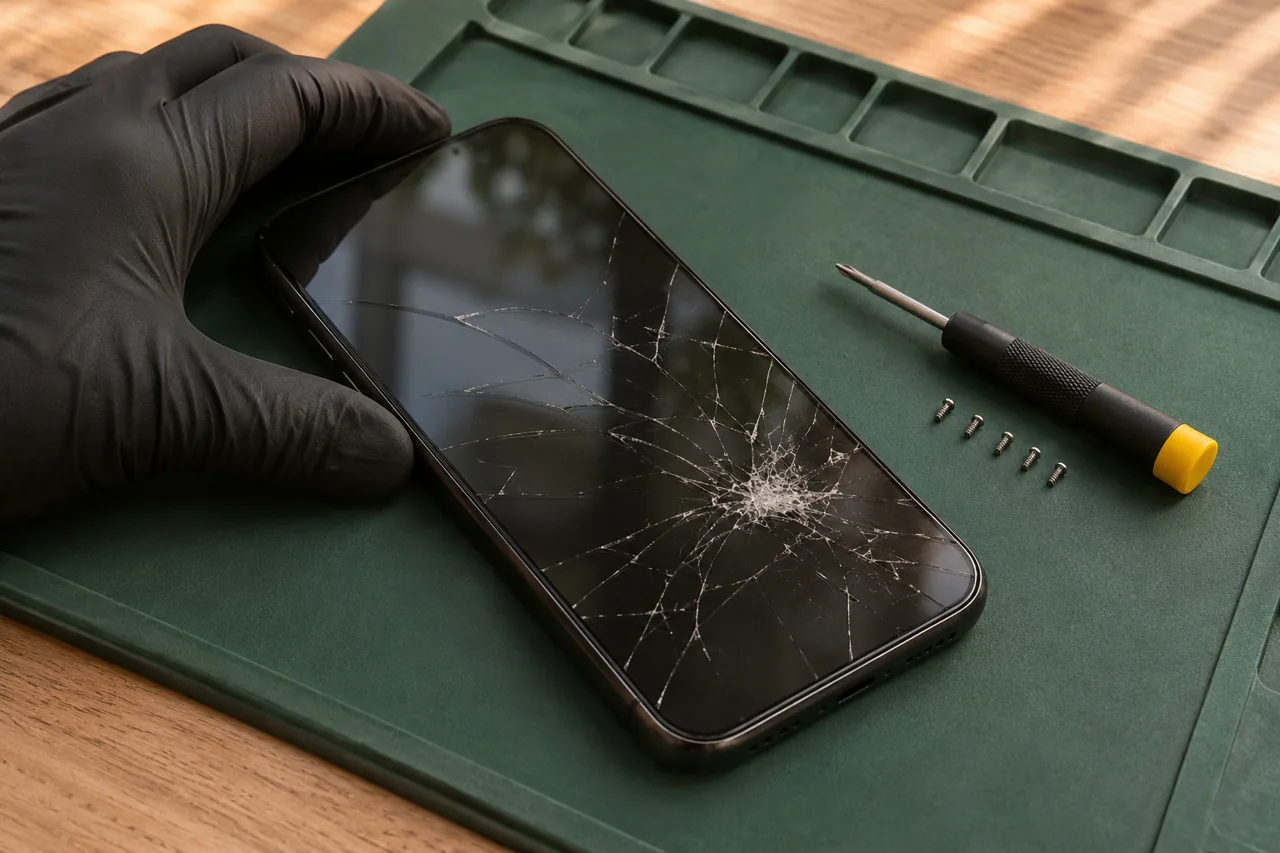
Screens, batteries and charging issues, assessed around your exact iPhone model.
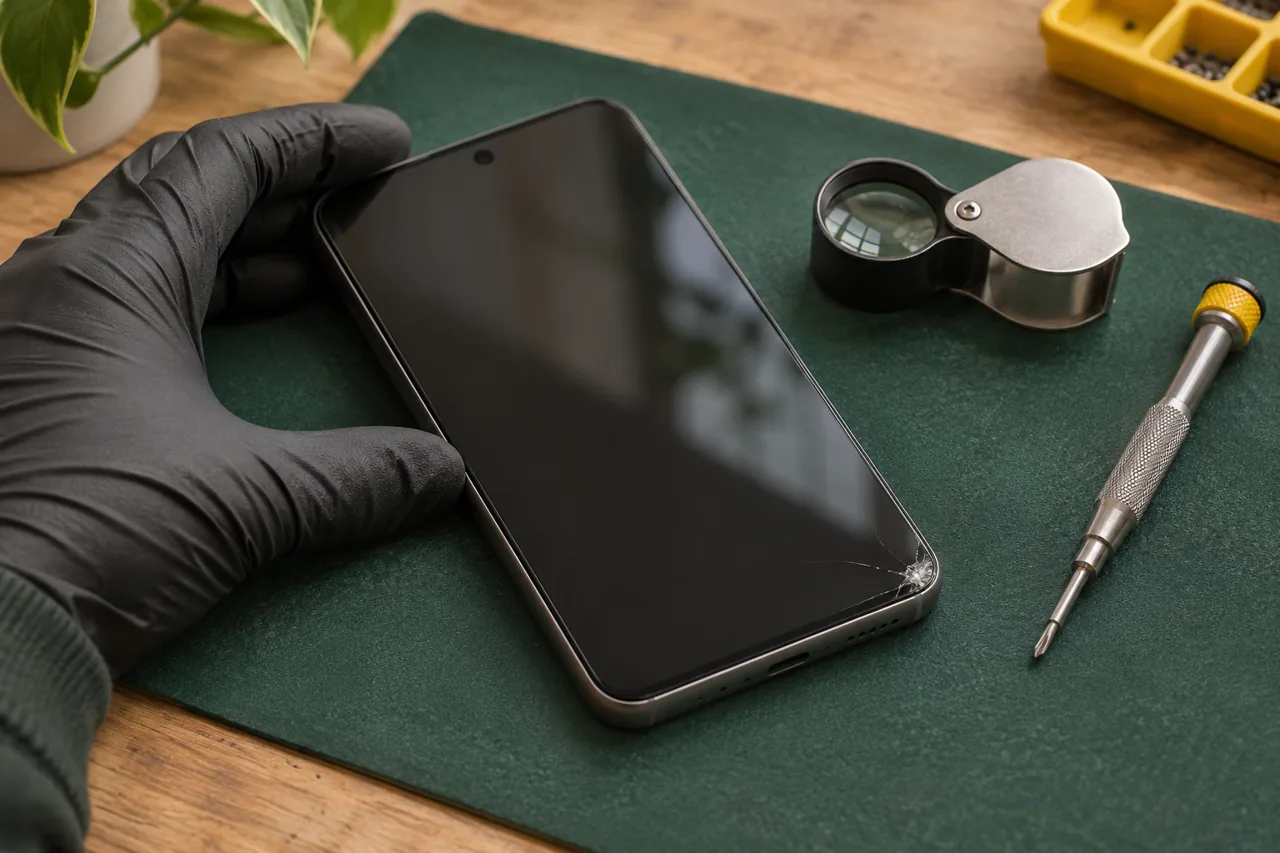
A model-specific starting point for Galaxy screen, battery and charging problems.
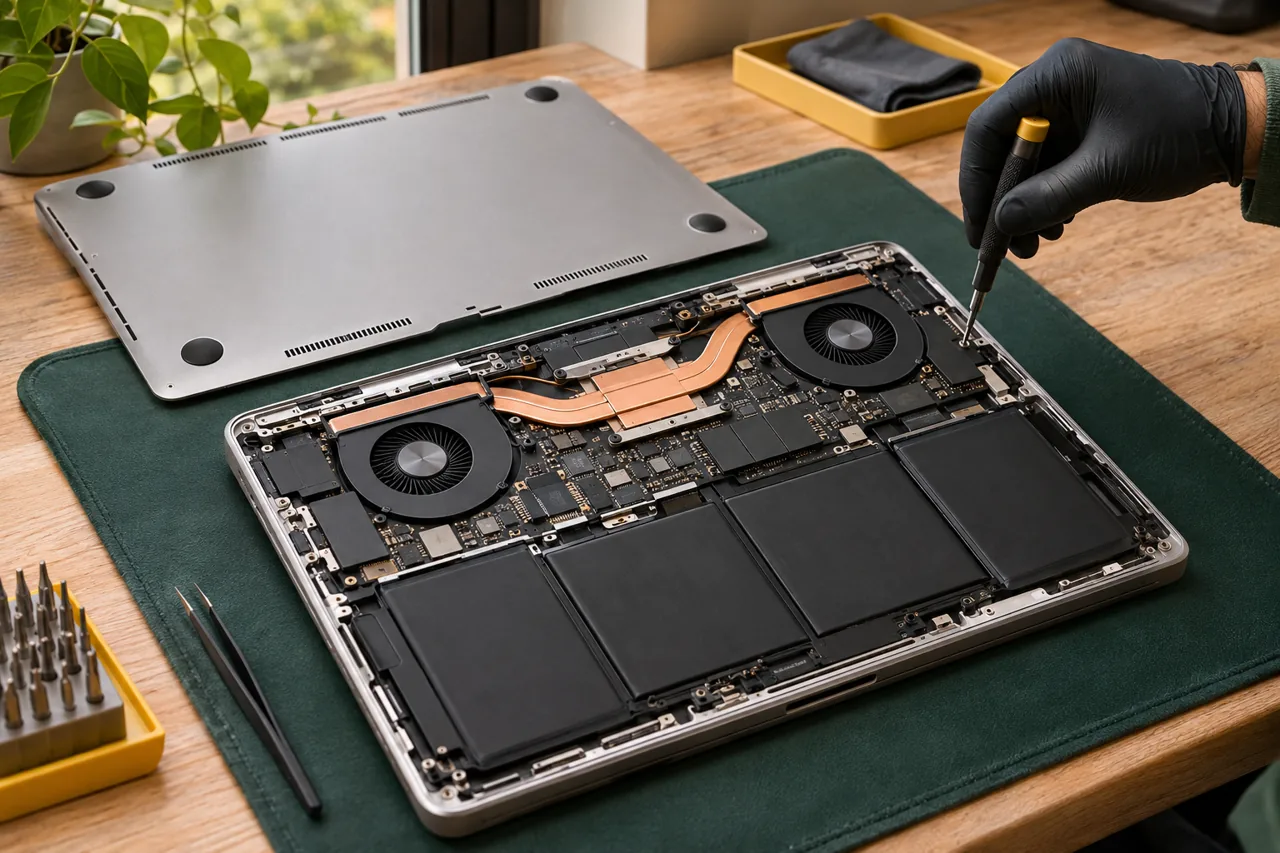
Clear assessment for laptop performance, display, keyboard and charging issues.
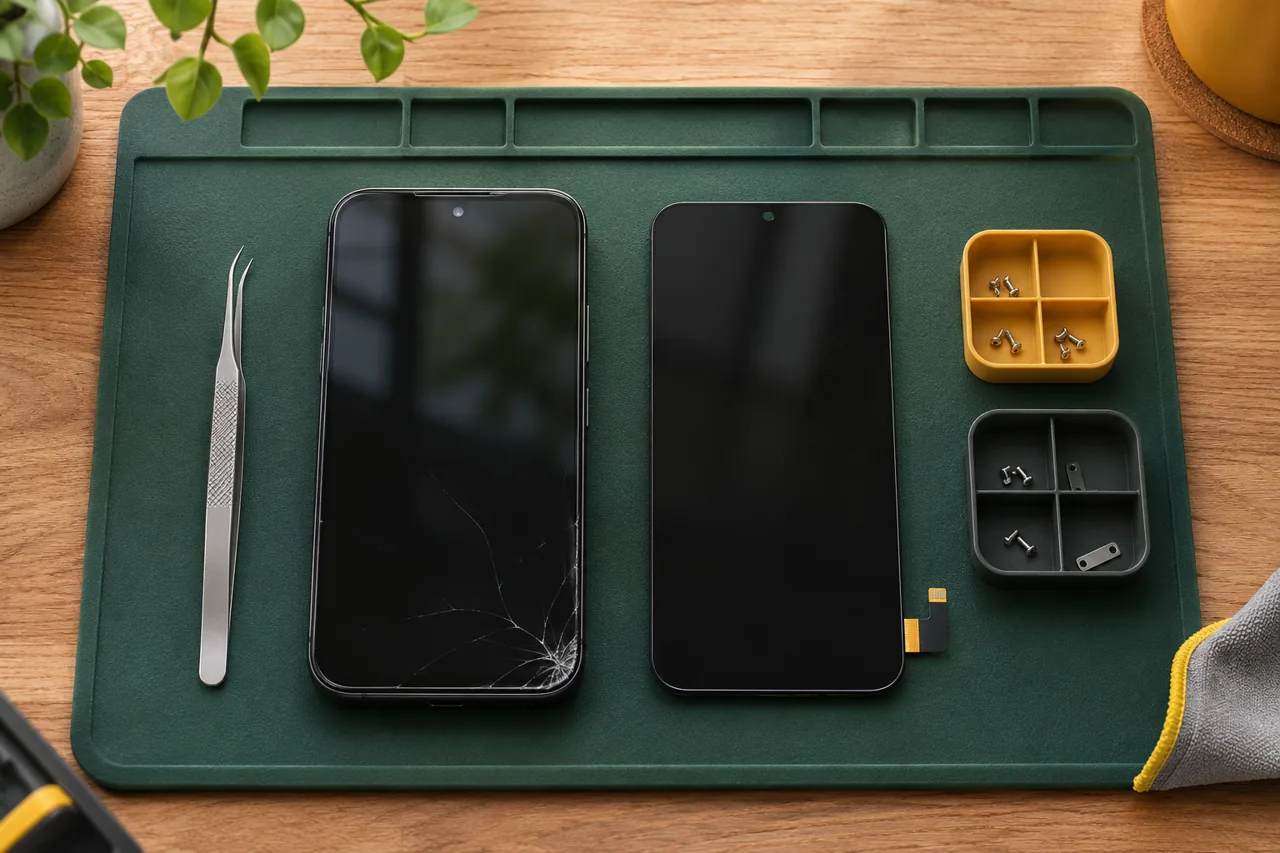
Model-specific screen assessments for supported phones and laptops.
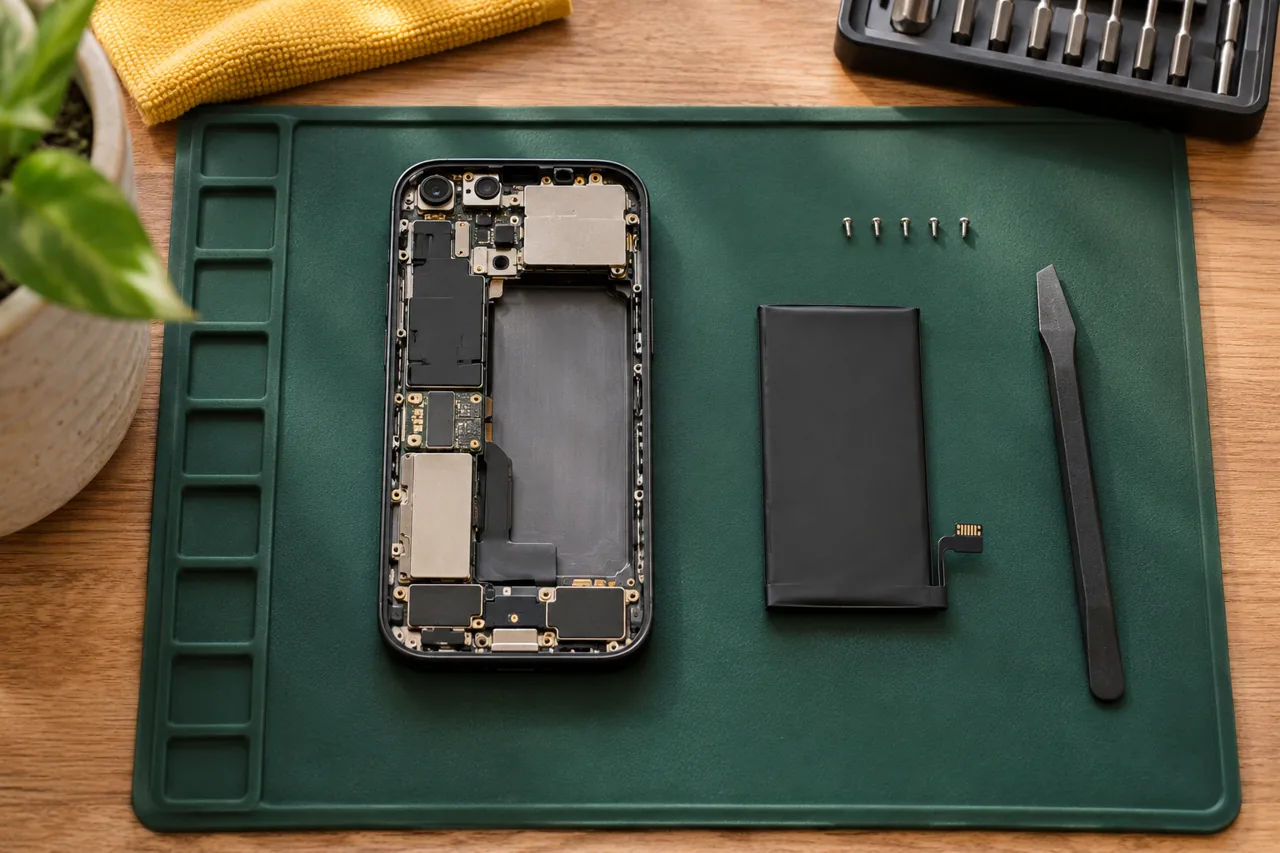
Battery assessment and replacement options for supported phones and laptops.
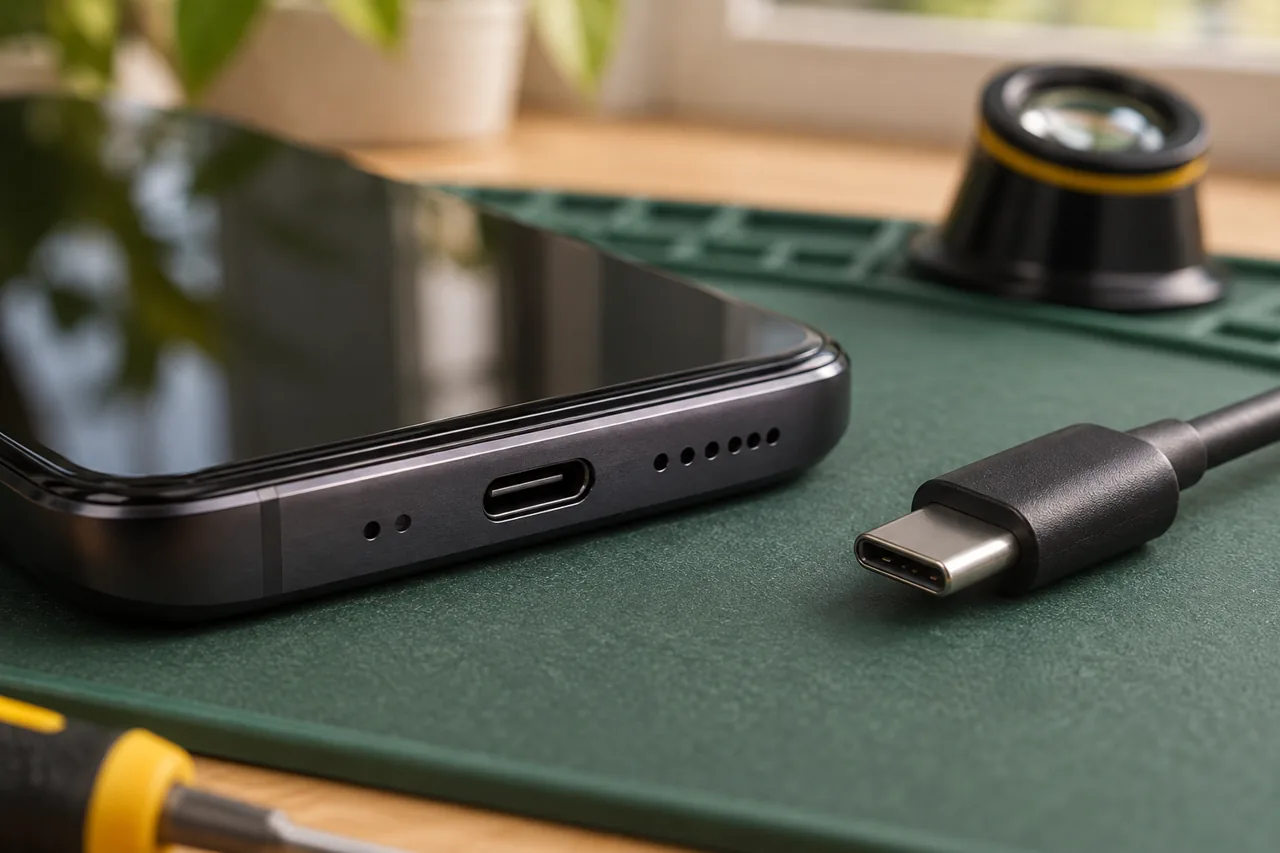
A clear assessment for intermittent charging, loose connections and power problems.
Your repair, clearly
Four steps to agree together. The repair depends on the model, parts, location and availability.
The exact model, symptoms and postal code. A photo can help.
Your detailsConfirm the proposed work, parts and price before anything starts.
Your approvalAgree the address, access arrangements and an available time.
A confirmed timeDiscuss useful device checks and any access needed before work begins.
Clear expectationsAn enquiry starts the conversation. Wait for a confirmed visit before changing your plans.
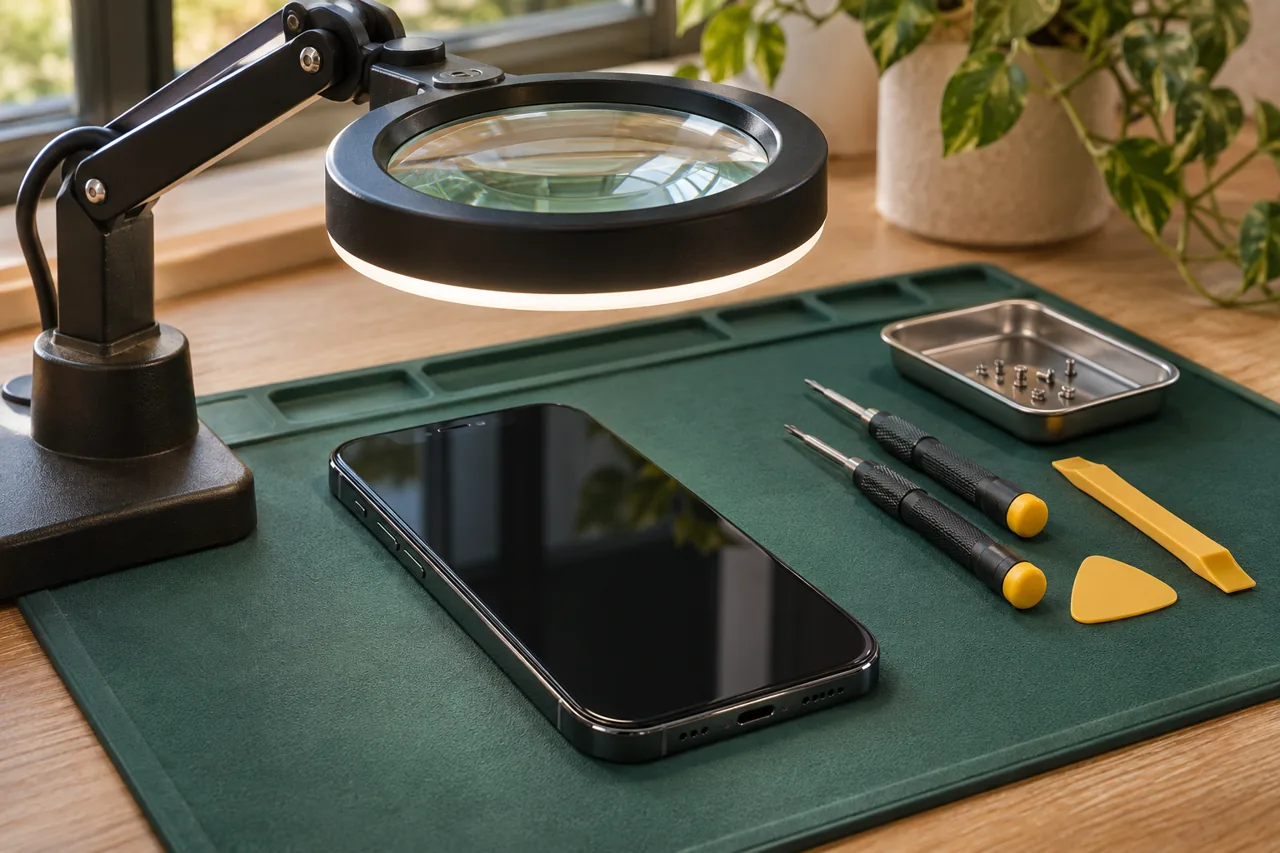
Assessment
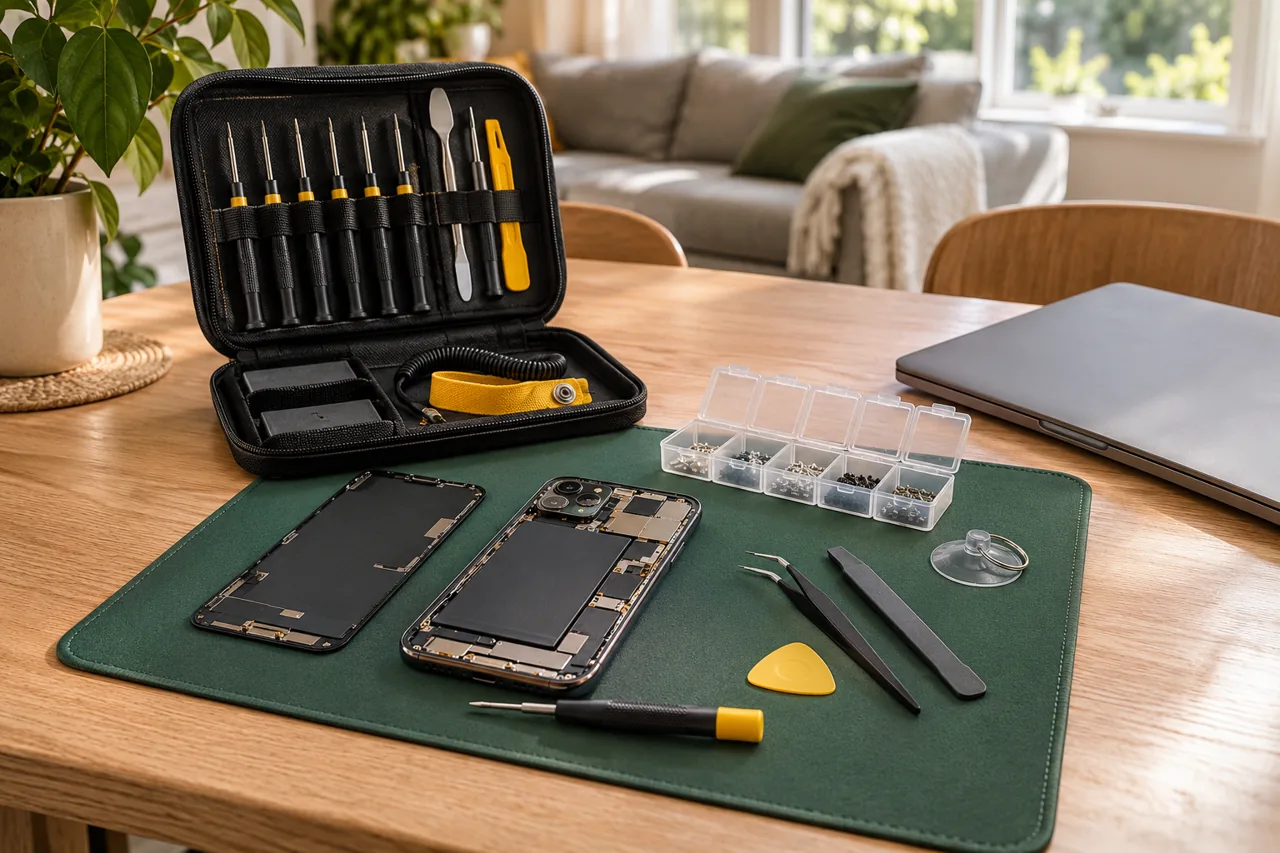
Visit preparation

Checks to discuss
03 / Around your neighbourhood
Explore how a visit can work where you are. Send your postal code to confirm coverage and availability for your address.
Explore service areasEveryday devices
Illustrative scenes of the devices, spaces and preparation around a repair.
A laptop and phone are part of the working day. Include useful access details and any work-device permissions in your request.

Phone, tablet or laptop: describe each device and its problem separately so the right assessment can be discussed.
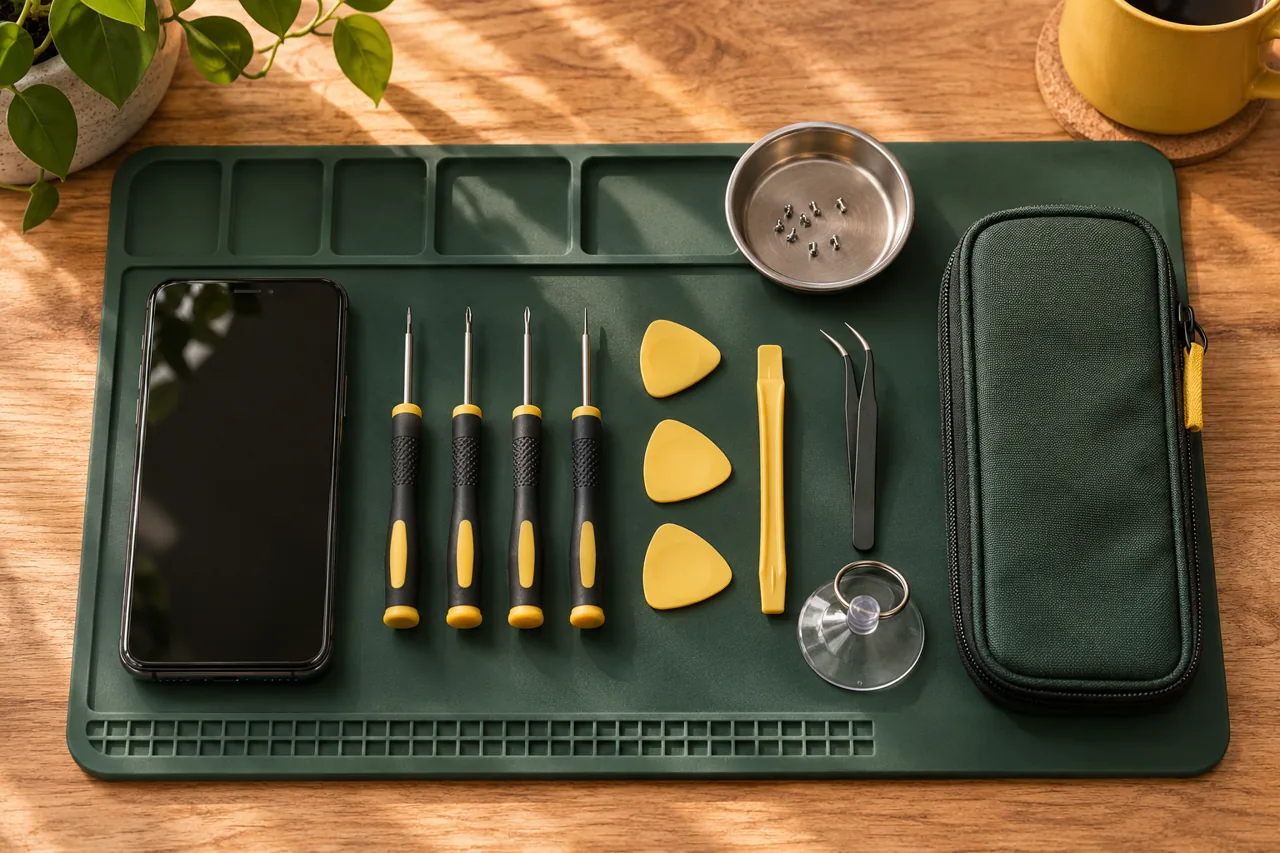
A repair starts with the exact model, the symptoms and the parts to check before agreeing the work.
Find your starting point
The exact model and an assessment determine the suitable repair.
Describe my issueShare the model and what the display still shows.
Screen repair guideDescribe when it happens and when it started.
Battery repair guideDescribe the charging behaviour before choosing a replacement part.
Charging repair guideInclude the model, startup behaviour and any visible message.
Laptop repair guideBefore work starts
Confirm the price and proposed repair scope.
Agree the work before it starts.
Check the location, parts and appointment time.
Keep passwords and passcodes out of the text.
04 / Start your repair
Build your text here. You review it and send it from your own messaging app.
No passwords needed. Your visit still needs to be agreed directly.
That is the idea: phone and laptop repair at your location in Ottawa. Share your postal code, device model and issue first. The repair options, required parts and visit arrangements need to be confirmed before a booking is agreed.
Ask about the current schedule. A visit and repair depend on your exact model, the issue, parts availability and your location. Wait for confirmation before planning around a particular day or time.
Send the exact model, a short description of the problem and your postal code. Mention any previous repairs or liquid exposure. A photo can help when you send your text. Confirm the scope and price before agreeing to work.
Send your postal code anyway. The coverage pages explain common booking situations, but they do not confirm every address or an available slot. Ask first so the route and job can be checked together.
Do not put passwords or passcodes in your quote request. Explain what is not working first. Before a repair, agree which checks need access and how you want to handle that access.
No. It prepares a text message for you to review and send from your messaging app. Your visit is booked only after the details and a time have been agreed directly.